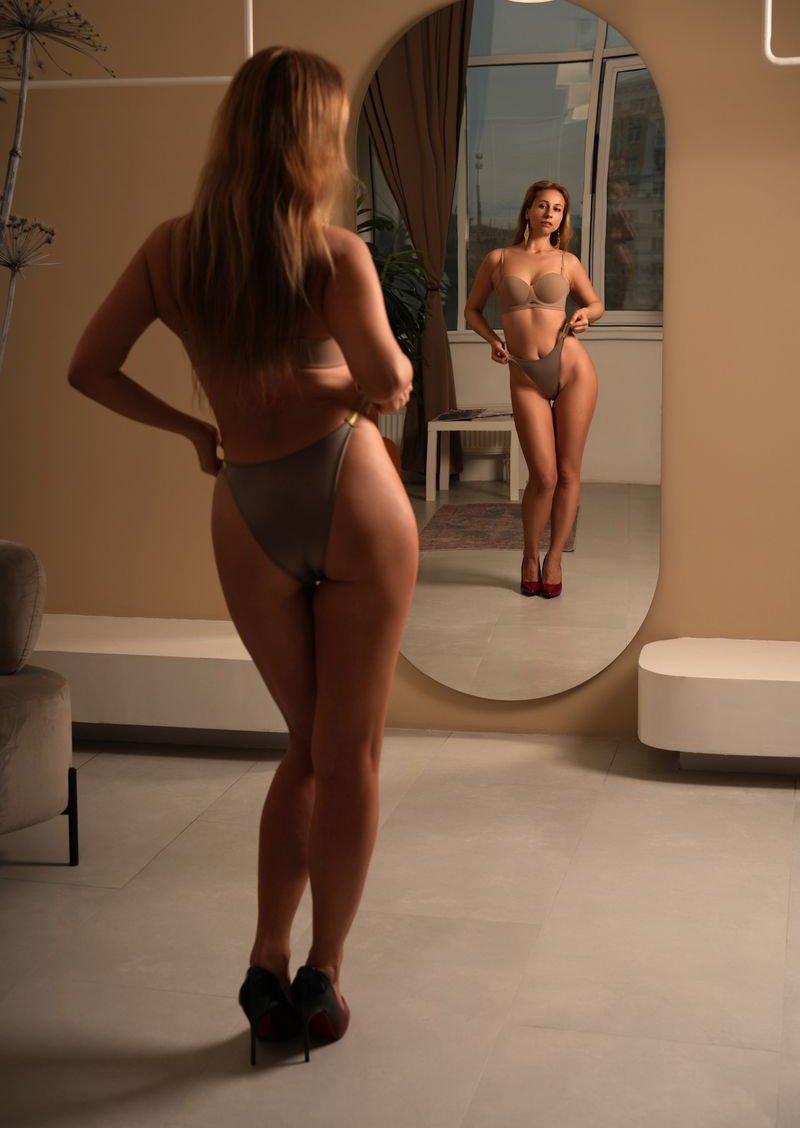
Latex and leather are two of the most requested looks in fetish content, and two of the easiest to get wrong. A real latex dress has a wet, mirror like shine that bends around every curve. Real leather has grain, creases and a softer glow. When an AI picture blurs those details, the outfit looks like plastic or paint, and fans notice straight away. This guide covers how to make latex and leather AI photos where the materials look real.
Start with a well trained character
Materials only look convincing on a body that looks convincing. Train your model on 10 to 20 clear photos of yourself, or of a persona you have invented, with a mix of angles and lighting. Training is free and takes about half an hour, and our how it works page walks through each step. A good model keeps your face and shape steady, which leaves the outfit as the only thing you need to get right.
Name the material, not just the item
"A black dress" could be cotton, satin or anything else. "A glossy black latex dress" tells the picture exactly how the surface should behave. Be specific every time:
- For latex: glossy, high shine, wet look, polished, skin tight
- For leather: matte or soft sheen, visible grain, slightly creased at the joints
- For patent leather: hard shine, crisp reflections, stiff edges
- For faux leather and PVC: smooth, even shine, slightly thinner look
Colour matters too. Black is classic, but red, deep purple and white latex all photograph beautifully and help a set stand out.
Light is what makes shine believable
Shine is just reflected light, so the light you describe decides whether latex looks like latex. A single strong light from one side creates long, bright highlights down the body and deep shadows on the other side. That contrast is what reads as a real glossy surface. Soft, flat light makes latex look dull and can make it look painted on.
Leather prefers a gentler approach. Warm, low light brings out the grain and the creases without turning the surface into a mirror. Describe the light in plain words, such as "one strong white light from the left, dark background", and compare two versions before you commit to a set.
Fit and creases
Real latex is skin tight with very few wrinkles. Real leather creases at the elbows, the waist and behind the knees. If a latex outfit comes out baggy or a leather jacket looks perfectly smooth, the picture will feel wrong even if the viewer cannot say why. Mention the fit you want, and if a finished picture is close, edit it by describing one change, such as "make the latex tighter at the waist".
Outfits that work well
- Latex catsuits and short latex dresses
- Leather corsets with a pencil skirt
- Thigh high boots in patent leather
- Opera length latex gloves
- A long leather coat over lingerie
Pick one hero piece per picture. A latex dress with latex gloves and latex boots can work, but mixing too many shiny surfaces often confuses the light. One shiny piece against matte skin or fabric usually looks stronger.
Settings that suit the materials
Dark, simple backgrounds let shine stand out. A black studio wall, a dim hallway, a concrete loft or a room with deep red walls all work well. Busy, brightly lit rooms tend to fill the reflections with clutter. Keep one setting for a whole set, so the pictures feel like one shoot rather than a random collection.
The library of tested scenes is a quick way to find settings that already flatter shiny materials. You can also describe your own.
Poses that show the surface
Shine shows best where the body curves. Poses that turn the hips, arch the back or bend a knee create the long highlights that make latex look real. Straight on, flat poses hide it. For leather, poses with movement, like adjusting a glove or leaning on a wall, show the creases and weight of the material.
Levels and cost
KinkAI has three levels per picture: clothed for 1 Kredit, topless for 2 and naked for 3. Topless and naked open after a one time ID check with Didit, which confirms you are 18 or over. Latex and leather content often works brilliantly at the clothed level, because the outfit is the whole point. There is no subscription and Kredits never expire. See our pricing page for the packs.
A good habit is to test the light at the clothed level first. Once a scene looks right, make the rest of the set from it.
The rules that never bend
Every picture shows you, or your own invented persona, and nobody else. No real person other than yourself, no impersonation, no minors and no one made to look under 18. Our content policy sets out the full rules. Everything you make stays private to your account until you choose to share it, so you decide exactly which pictures your fans see.