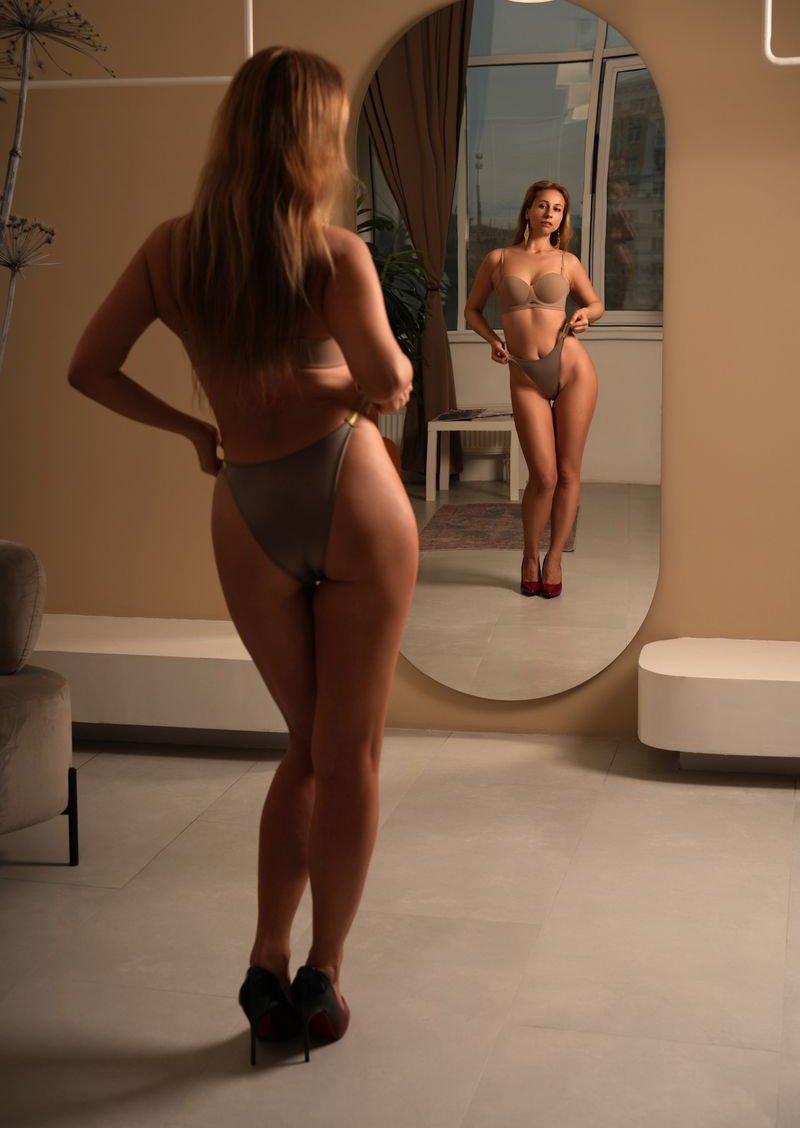
If you have tried a free AI photo app, you have probably seen the problem. The pictures are polished, the lighting is lovely, and the face is a stranger who shares your hair colour. For a creator that is worse than useless, because your buyers and subscribers know exactly what you look like.
Why most AI photos do not look like you
Generic image generators start from a description. Even when you upload a selfie, many tools only borrow a rough impression of it for that single picture. Nothing is remembered, so every new image is a fresh guess, and small differences in the jaw, the eyes or the smile add up to a different person.
The fix is to train a model on your face once and then reuse it. In KinkAI that trained model is called your character. You build it from your own photos, and every picture you make afterwards starts from it rather than from a guess.
Step one: choose 10 to 20 good photos
The photos you train on matter more than anything else. Aim for 10 to 20 pictures where your face is clear and well lit. Include a mix of angles: straight on, three quarters from each side, and a couple of slightly higher and lower shots. Vary the background and what you are wearing so the model learns your face rather than your favourite hoodie.
Leave out photos with heavy filters, sunglasses, hands over your face, or other people in the frame. Old photos where you looked noticeably different are best left out too. If you want the results to look like you today, train on you today.
Step two: build your character
Upload the photos and start the build. Training takes around ten minutes, and your first character is free. Once it is ready it sits in your account, and you can come back to it whenever you want new pictures.
Step three: pick a scene or describe your own
You can start from the library of example scenes, which is the quickest way to see what your character can do, or write your own description. Choose Clothed, Topless or Naked, how many pictures you want in the set (one to four), and the shape: portrait, square or landscape.
Short, concrete descriptions work best. "Sitting on a hotel bed in a black slip, soft evening light" will usually beat a paragraph of adjectives.
Step four: keep the best and edit the rest
Not every picture in a set will be a keeper, and that is normal with any photoshoot. Keep the ones that look most like you and fix small things with an edit instead of starting again. Describe the change, such as "make the top red" or "change the background to a beach", and only that part of the picture changes.
Want your body to look like you too?
Faces are only half the story for many creators. In your character settings you can add your own topless and naked photos so that those pictures show your real body, the same every time. You can update it whenever you like, for example after a change in your figure or a new tattoo. Topless and naked pictures need a one-off ID check, and clothed pictures work straight away.
What it costs
Pictures are paid for in Kredits: one Kredit for a clothed picture and two for topless or naked. Kredits come in packs, from 100 Kredits for £15 up to larger packs that bring the price down to 7p a Kredit. Everything you make lands in your private gallery, which nobody else can see.
The short version: train on good, recent, varied photos, build your character once, and let every set start from the real you.