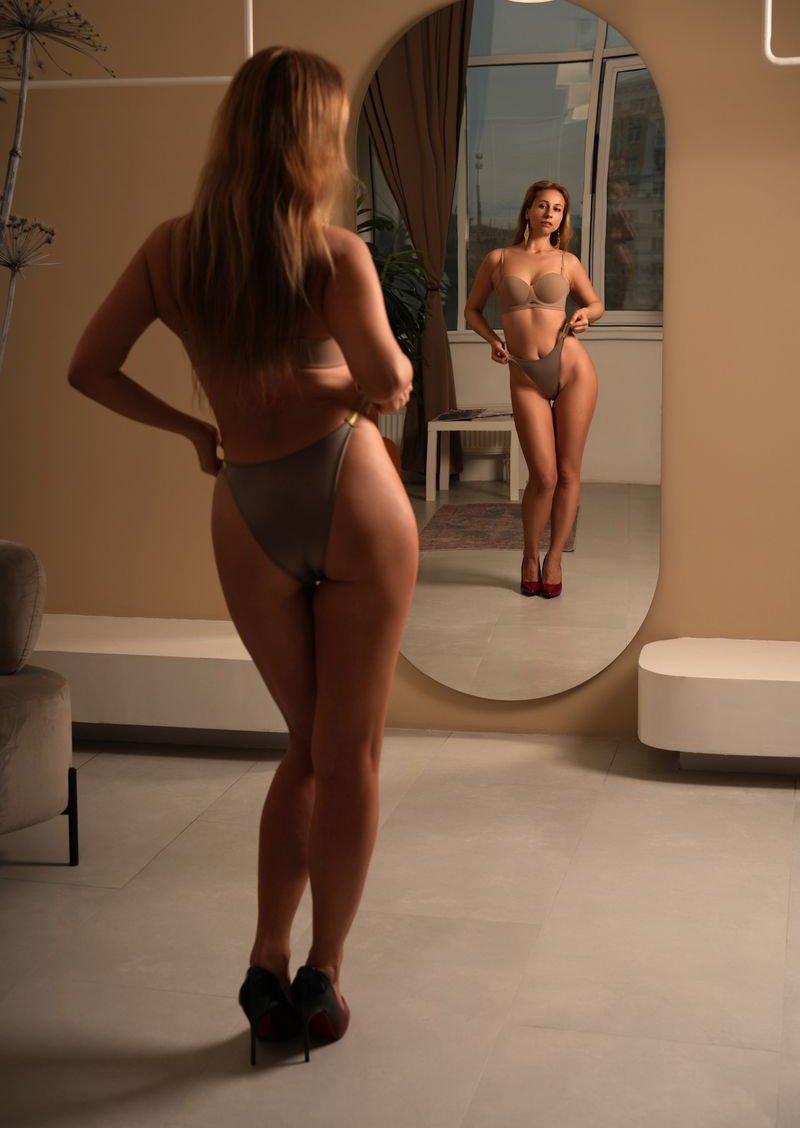
Posting every day is one of the most reliable ways to grow a subscription page, and one of the hardest to keep up. Shoots take time, energy and money, and life gets in the way. An AI twin, a model trained on your own face and body, lets you fill the gaps without picking up a camera. This guide sets out a workflow you can actually stick to, from the first training photo to a full week of posts.
What an AI twin is, and is not
An AI twin is a private model that has learned what you look like from a small set of photos. Once trained, it can show you in new outfits, settings and poses whenever you ask. It is not a replacement for you. Fans still follow a person, and the best results come from creators who use their twin to support their real content rather than to stand in for it completely.
Think of it like a very patient photographer who already knows your angles. It is fast and always available, but it still needs direction from you, and it works best when you decide what you want before you ask.
On KinkAI, you can train a twin of yourself or of an invented persona, never of any other real person.
Step one: train it well, once
Everything that follows depends on a good training set. Choose 10 to 20 clear photos of yourself: close shots of your face from several angles, some from the waist up, some full length, in different outfits and soft light. Leave out heavy filters and anything with other people in it. Training takes about half an hour. Our how it works page covers the details.
Step two: plan the week before you make anything
The creators who post every day without burning out do the thinking in one sitting. Spend twenty minutes at the start of the week deciding what each day will look like. A simple plan might be:
- Monday: a relaxed, clothed morning set at home
- Tuesday: an outfit post for your free feed
- Wednesday: a topless set for subscribers
- Thursday: a behind the scenes style post from your real phone
- Friday: a themed set that climbs from clothed to naked
- Saturday and Sunday: lighter posts, or a real shoot if you have one
Giving each day a theme makes the making part fast, because you already know what to ask for.
Keep a running list of ideas through the week too. A comment from a fan, a holiday coming up or a new outfit you like can all become a set. When planning day comes round, you will have more ideas than days.
Step three: make the week in one batch
Once the plan is set, make the pictures together. Start with the library of tested scenes, which gives reliable results quickly, and describe your own scenes when you want something specific. Batch making keeps the look consistent across the week, because you are working with the same settings while they are fresh in your mind.
If a picture is almost right, do not start again. Edit it by describing one change, such as a different background, a new outfit colour or warmer light.
It is worth saving the scenes that work. When a setting, outfit and light come out well, keep a note of exactly what you asked for, so you can return to it next week and get the same feel again.
Step four: use the levels deliberately
KinkAI has three levels per picture: clothed for 1 Kredit, topless for 2 and naked for 3. Topless and naked open after a one-time ID check with Didit, which confirms you are 18 or over. Use the levels to shape your funnel:
- Clothed pictures for free feeds and promotion, where explicit content is not allowed
- Topless sets as a step up for subscribers
- Naked sets for your most paid content
A steady ratio helps too. A common approach is to keep most public posts clothed and save the explicit levels for paid content, so the free feed works as a shop window and subscribers feel they get something extra.
Our topless AI generator page explains the middle level in more detail.
Step five: keep your feed believable
A daily feed works when it feels like one person living one life. A few habits help:
- Reuse a handful of settings so your space feels familiar
- Keep hairstyle and signature details steady unless you are deliberately changing your look
- Mix AI sets with real photos and casual phone pictures
- Label AI content in the way each platform's current rules require
Then check before you post. Look at every picture before it goes out. Delete anything with odd hands, strange backgrounds or a face that does not quite look like you. Posting fewer, better pictures does more for your page than posting everything you make.
What a week costs
Because KinkAI is pay per photo, a week costs only what you make. Say you make 25 pictures: 10 clothed, 8 topless and 7 naked. That is 10, plus 16, plus 21, which comes to 47 Kredits. From a 100 Kredit pack at £15, that is about £7 for the week, and the rest of the pack stays in your account, because Kredits never expire. There is no subscription. The packs are listed on our pricing page.
If your plans change, so can your schedule. Because you are not paying for a monthly allowance, a busy week with fewer posts costs less, and a big launch week simply uses more Kredits.
Keep it private, keep it yours
Your twin and every picture it makes stay private to your account. Nothing is published, nothing is shared, and your photos are never used to train anyone else's model. You decide what goes out and where. That control is what makes a daily schedule sustainable: you get the output of a regular shoot without giving up your week, your privacy or your say over how you appear.